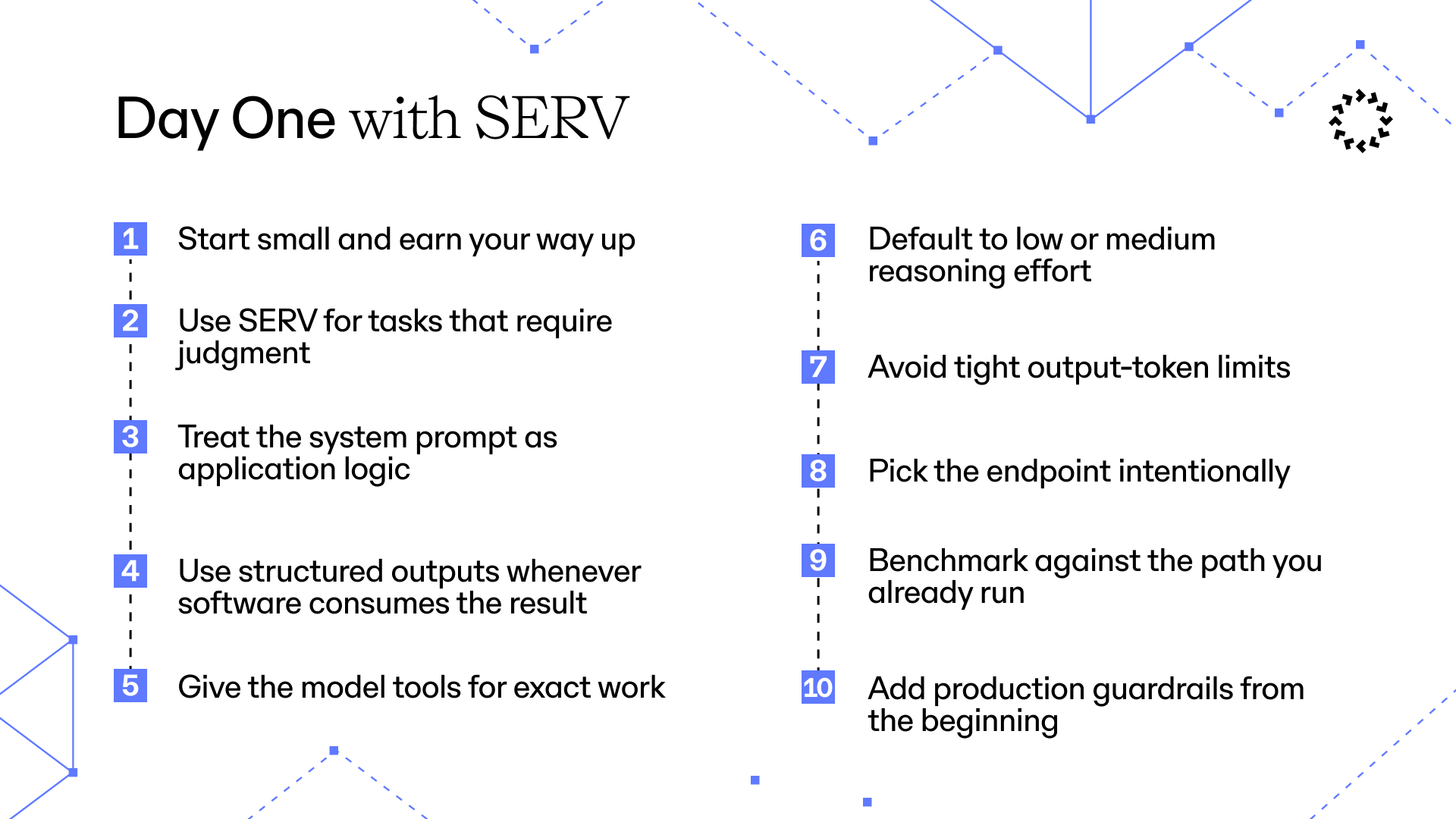
1. Start small and earn your way up
Begin with the smallest, least expensive model in the catalog that plausibly fits your task. Move to a larger one only when a representative evaluation set shows a meaningful quality gap. Larger models should be an evidence-based upgrade — not the default. SERV is designed to improve the reliability of smaller, less expensive models on reasoning workloads.2. Use SERV for tasks that require judgment
SERV is a strong fit when the model needs to:- Choose between alternatives
- Reconcile competing constraints
- Classify ambiguous inputs
- Prioritize, route, or plan work
- Apply a policy to a specific situation
- Select tools and determine the next action
- Follow a structured decision path
3. Treat the system prompt as application logic
Every SERV request requires a system, developer, or instructions prompt. Use it to define:- The model’s role and objective
- Decision priorities
- Non-negotiable constraints
- When tools must be used
- What to do when information is missing
- The expected level of detail
- Conditions under which the model should abstain or escalate
4. Use structured outputs whenever software consumes the result
When you require JSON, do not explain the intended structure only in prose. Supply an output schema so the model is constrained to the shape your application expects. A good schema should:- Make required fields explicit
- Use enums where the valid choices are known
- Distinguish optional and nullable values
- Disallow unexpected properties where supported
- Include field descriptions when their meaning is not obvious
5. Give the model tools for exact work
Do not expect the model to reliably calculate, retrieve live data, or reproduce internal business state from memory. Give it a tool instead. Typical day-one tools include:- Calculator
- Database or internal search
- Current date and time
- Pricing or inventory lookup
- Customer or account lookup
- Policy or knowledge-base retrieval
- Application actions such as creating a ticket
Use the calculator tool for every arithmetic operation. Do not calculate results mentally.
6. Default to low or medium reasoning effort
Start withlow reasoning effort for most production workloads.
Use medium when the task involves several constraints, ambiguous evidence, or a longer decision path. Reserve high for cases where your evaluations show a measurable improvement that justifies the additional cost and latency.
Do not use maximum reasoning effort merely because a task is important. Importance should determine your validation and review process — not automatically your reasoning budget.
7. Avoid tight output-token limits
Do not addmax_tokens, max_completion_tokens, or max_output_tokens simply because the field exists. A limit that is too low can truncate a valid response and make the result look like a reasoning failure.
Leave the cap unset unless your product requires a hard ceiling. When an endpoint requires a token limit, use a comfortable ceiling and monitor the finish or stop reason for truncation.
Models have been observed to experience stress due to the max_tokens setting. Even though a model does not consume all its available budget, its output is consistently worse due to what we call model anxiety.
8. Pick the endpoint intentionally
Use/v1/chat/completions as the general-purpose default.
Use /v1/responses when you specifically need the Responses API shape or streamed reasoning summaries.
Use /v1/messages when maintaining an Anthropic-format integration.
9. Benchmark against the path you already run
Do not evaluate SERV from one impressive prompt. Compare it against your team’s current Gemini, OpenAI, or Claude implementation using the same production-like inputs. Measure:- End-to-end task success
- Decision accuracy
- Structured-output validation rate
- Tool-selection accuracy
- Tool-argument validity
- Retry and failure rate
- Median and tail latency
- Input and output token cost
- Human correction rate
10. Add production guardrails from the beginning
Log the model, prompt version, schema version, latency, token usage, finish reason, tool calls, and final outcome. This makes regressions diagnosable instead of anecdotal. Also establish:Recommended day-one configuration
- Schema and tool-argument validation
- Timeouts around model and tool calls
- Backoff for rate limits and transient server errors
- Idempotency for tools with side effects
- Least-privilege credentials for every tool
- A clear “insufficient information” path
- Human review for irreversible or high-impact actions
Day-one checklist
- Start with the smallest, least expensive model that fits the task
- Use
lowreasoning effort by default - Move to
mediumonly when the task requires it - Reserve
highfor benchmark-proven cases - Put stable behavior and tool rules in the system prompt
- Use structured outputs for machine-consumed responses
- Validate schemas and tool arguments in your application
- Add tools for arithmetic, retrieval, and exact business operations
- Avoid output-token caps unless they are necessary
- Benchmark against your existing Gemini, OpenAI, or Claude workflow
- Measure quality, latency, cost, and failure rate
- Log prompt versions, tool calls, usage, and outcomes
- Add human review for high-impact actions
References