> ## Documentation Index
> Fetch the complete documentation index at: https://docs.openserv.ai/llms.txt
> Use this file to discover all available pages before exploring further.
# Use application tools
> Combine your own function tools with SERV features.
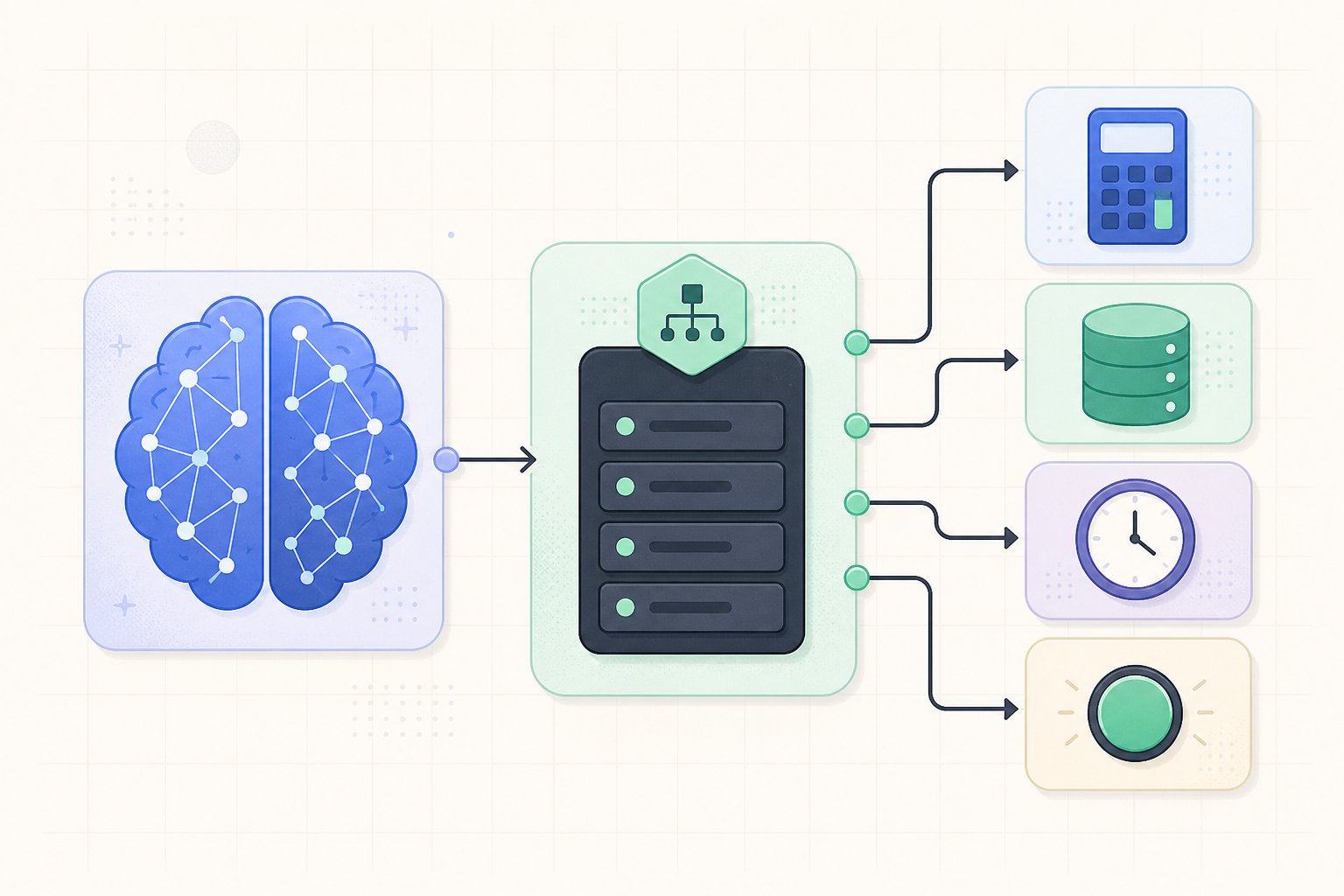 Use tools for calculations, current information, internal records, and actions.
## Separate SERV Tools from application tools
Application tools describe functions that your code executes. SERV Tools are control markers that SERV consumes before the model runs. SERV recognizes a fixed set of marker names; use the documented names for SERV features.
You can put both kinds in one `tools` array. SERV removes its marker tools and forwards your application tools unchanged. The model can call `get_order`, but it never calls `serv_prompt_guard` or `serv_shadow_agent`.
```js theme={null}
const response = await client.chat.completions.create({
model: "gpt-5.4-mini",
messages: [
{ role: "system", content: "Use get_order for order status. Never guess." },
{ role: "user", content: "What is the status of order 1842?" },
],
tools: [{
type: "function",
function: {
name: "get_order",
description: "Look up an order by its ID.",
parameters: {
type: "object",
properties: { order_id: { type: "string" } },
required: ["order_id"],
additionalProperties: false,
},
},
}],
});
```
Your application executes the function call and sends its result in a follow-up request. SERV removes its recognized marker tools; your application tools are forwarded normally. An unrecognized tool name is treated as an application tool, even if it begins with `serv_`.
Describe when a tool should be used, define a strict input schema, and validate the arguments before performing side effects. The system prompt should state the tool-use policy, for example: “Use `get_order` for every order-status question. Never guess an order status.”
## Combine application tools with SERV Tools
The same request can enable SERV protection, quality validation, and an application function:
```js theme={null}
tools: [
{ type: "function", function: { name: "serv_prompt_guard" } },
{
type: "function",
function: {
name: "serv_shadow_agent",
parameters: {
type: "object",
properties: { hint: { type: "string", default: "Cite the order status returned by the tool." } },
},
},
},
{
type: "function",
function: {
name: "get_order",
description: "Look up an order by its ID.",
parameters: {
type: "object",
properties: { order_id: { type: "string" } },
required: ["order_id"],
additionalProperties: false,
},
},
},
]
```
SERV consumes the first two markers. Only `get_order` reaches the model. Your server remains responsible for executing `get_order`, checking the arguments, and handling the follow-up conversation.
Use tools for calculations, current information, internal records, and actions.
## Separate SERV Tools from application tools
Application tools describe functions that your code executes. SERV Tools are control markers that SERV consumes before the model runs. SERV recognizes a fixed set of marker names; use the documented names for SERV features.
You can put both kinds in one `tools` array. SERV removes its marker tools and forwards your application tools unchanged. The model can call `get_order`, but it never calls `serv_prompt_guard` or `serv_shadow_agent`.
```js theme={null}
const response = await client.chat.completions.create({
model: "gpt-5.4-mini",
messages: [
{ role: "system", content: "Use get_order for order status. Never guess." },
{ role: "user", content: "What is the status of order 1842?" },
],
tools: [{
type: "function",
function: {
name: "get_order",
description: "Look up an order by its ID.",
parameters: {
type: "object",
properties: { order_id: { type: "string" } },
required: ["order_id"],
additionalProperties: false,
},
},
}],
});
```
Your application executes the function call and sends its result in a follow-up request. SERV removes its recognized marker tools; your application tools are forwarded normally. An unrecognized tool name is treated as an application tool, even if it begins with `serv_`.
Describe when a tool should be used, define a strict input schema, and validate the arguments before performing side effects. The system prompt should state the tool-use policy, for example: “Use `get_order` for every order-status question. Never guess an order status.”
## Combine application tools with SERV Tools
The same request can enable SERV protection, quality validation, and an application function:
```js theme={null}
tools: [
{ type: "function", function: { name: "serv_prompt_guard" } },
{
type: "function",
function: {
name: "serv_shadow_agent",
parameters: {
type: "object",
properties: { hint: { type: "string", default: "Cite the order status returned by the tool." } },
},
},
},
{
type: "function",
function: {
name: "get_order",
description: "Look up an order by its ID.",
parameters: {
type: "object",
properties: { order_id: { type: "string" } },
required: ["order_id"],
additionalProperties: false,
},
},
},
]
```
SERV consumes the first two markers. Only `get_order` reaches the model. Your server remains responsible for executing `get_order`, checking the arguments, and handling the follow-up conversation.