> ## Documentation Index
> Fetch the complete documentation index at: https://docs.openserv.ai/llms.txt
> Use this file to discover all available pages before exploring further.
# Make your first API request
> Send your first SERV Reasoning request with the OpenAI SDK.
 ```bash theme={null}
npm install openai
```
Create a server-side file such as `example.mjs`. Keep the API key in an environment variable; do not expose it in browser JavaScript.
```js theme={null}
import OpenAI from "openai";
const client = new OpenAI({
baseURL: "https://inference-api.openserv.ai/v1",
apiKey: process.env.SERV_API_KEY,
});
const response = await client.chat.completions.create({
model: "gpt-5.4-mini",
reasoning_effort: "low",
messages: [
{ role: "system", content: "You classify support requests." },
{ role: "user", content: "I was charged twice for the same order." },
],
});
console.log(response.choices[0].message.content);
```
Every request must include a system prompt, developer message, or `instructions` field. Browse the [model catalog](../models) for supported model IDs.
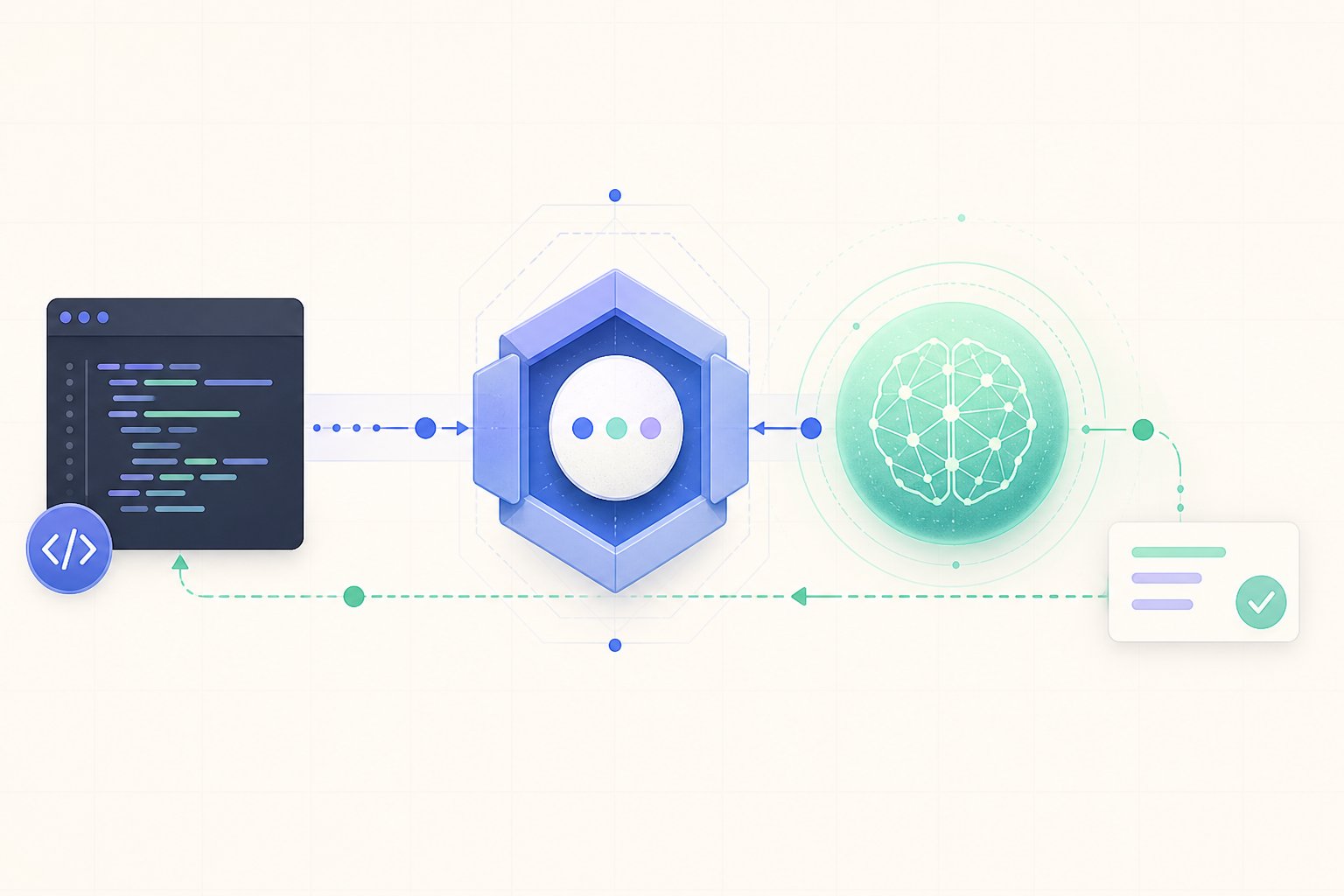
The response uses the standard Chat Completions shape. The generated text is in `choices[0].message.content`, and usage data is in `response.usage`.
If the request fails, check the API key, organization balance, model ID, and system prompt first. For endpoint-specific fields, see the [Chat Completions reference](../api/chat-completions).
```bash theme={null}
npm install openai
```
Create a server-side file such as `example.mjs`. Keep the API key in an environment variable; do not expose it in browser JavaScript.
```js theme={null}
import OpenAI from "openai";
const client = new OpenAI({
baseURL: "https://inference-api.openserv.ai/v1",
apiKey: process.env.SERV_API_KEY,
});
const response = await client.chat.completions.create({
model: "gpt-5.4-mini",
reasoning_effort: "low",
messages: [
{ role: "system", content: "You classify support requests." },
{ role: "user", content: "I was charged twice for the same order." },
],
});
console.log(response.choices[0].message.content);
```
Every request must include a system prompt, developer message, or `instructions` field. Browse the [model catalog](../models) for supported model IDs.
The response uses the standard Chat Completions shape. The generated text is in `choices[0].message.content`, and usage data is in `response.usage`.
If the request fails, check the API key, organization balance, model ID, and system prompt first. For endpoint-specific fields, see the [Chat Completions reference](../api/chat-completions).