> ## Documentation Index
> Fetch the complete documentation index at: https://docs.openserv.ai/llms.txt
> Use this file to discover all available pages before exploring further.
# Create an account
> Sign up, sign in, and choose your SERV Reasoning organization.
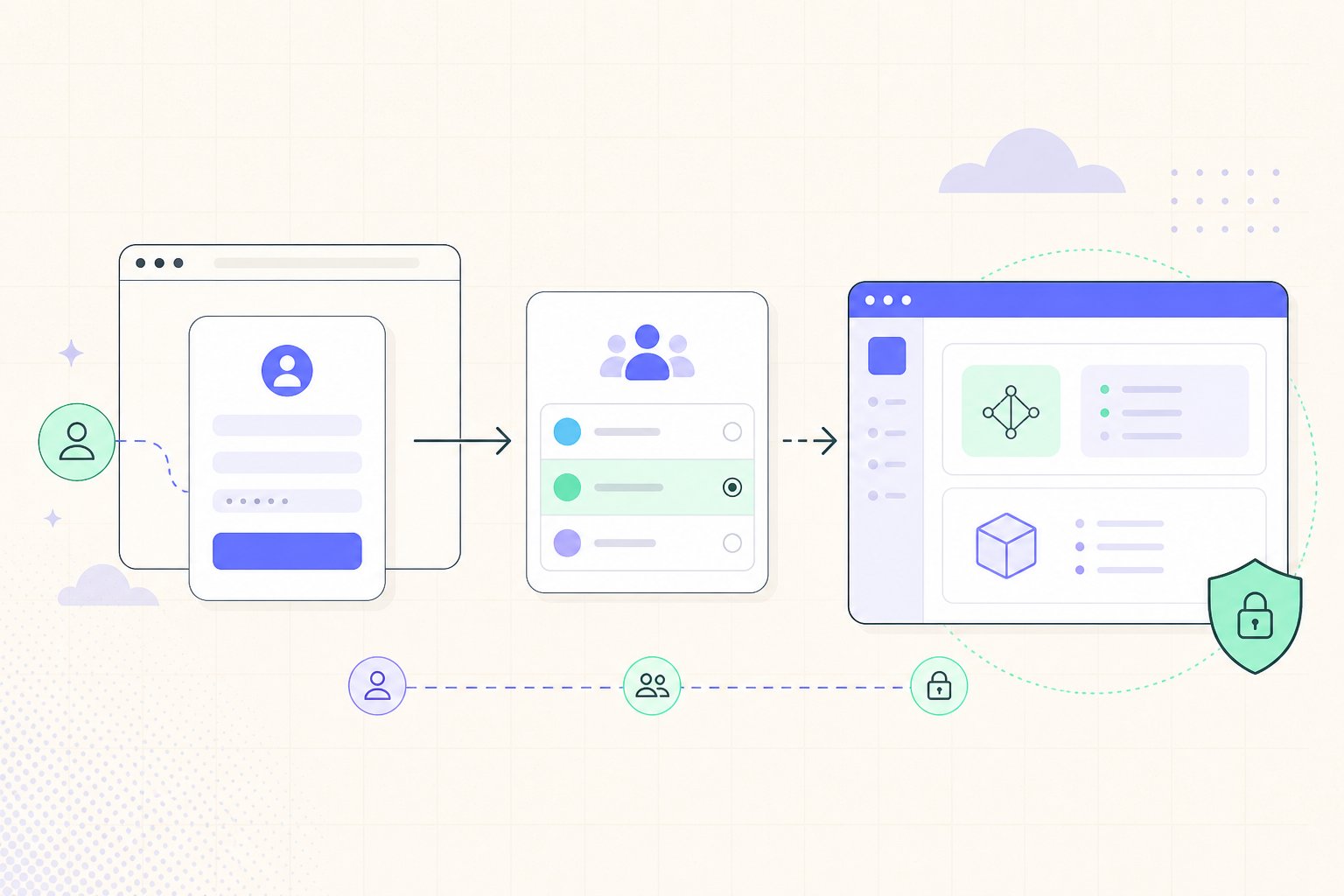 1. Open the [SERV console](https://console.openserv.ai).
2. Select **Sign up** and create your account. If your team invited you, open the invitation link first.
3. Sign in and select or create an organization.
4. Accept the current terms if the console asks you to do so.
Your organization owns its API keys, credits, and usage data. Switch organizations from the organization switcher before creating a key or reviewing usage.
SERV Reasoning is currently in private beta. If you cannot create an account, [join the waitlist](https://openserv.typeform.com/to/dG8koJgd).
1. Open the [SERV console](https://console.openserv.ai).
2. Select **Sign up** and create your account. If your team invited you, open the invitation link first.
3. Sign in and select or create an organization.
4. Accept the current terms if the console asks you to do so.
Your organization owns its API keys, credits, and usage data. Switch organizations from the organization switcher before creating a key or reviewing usage.
SERV Reasoning is currently in private beta. If you cannot create an account, [join the waitlist](https://openserv.typeform.com/to/dG8koJgd).